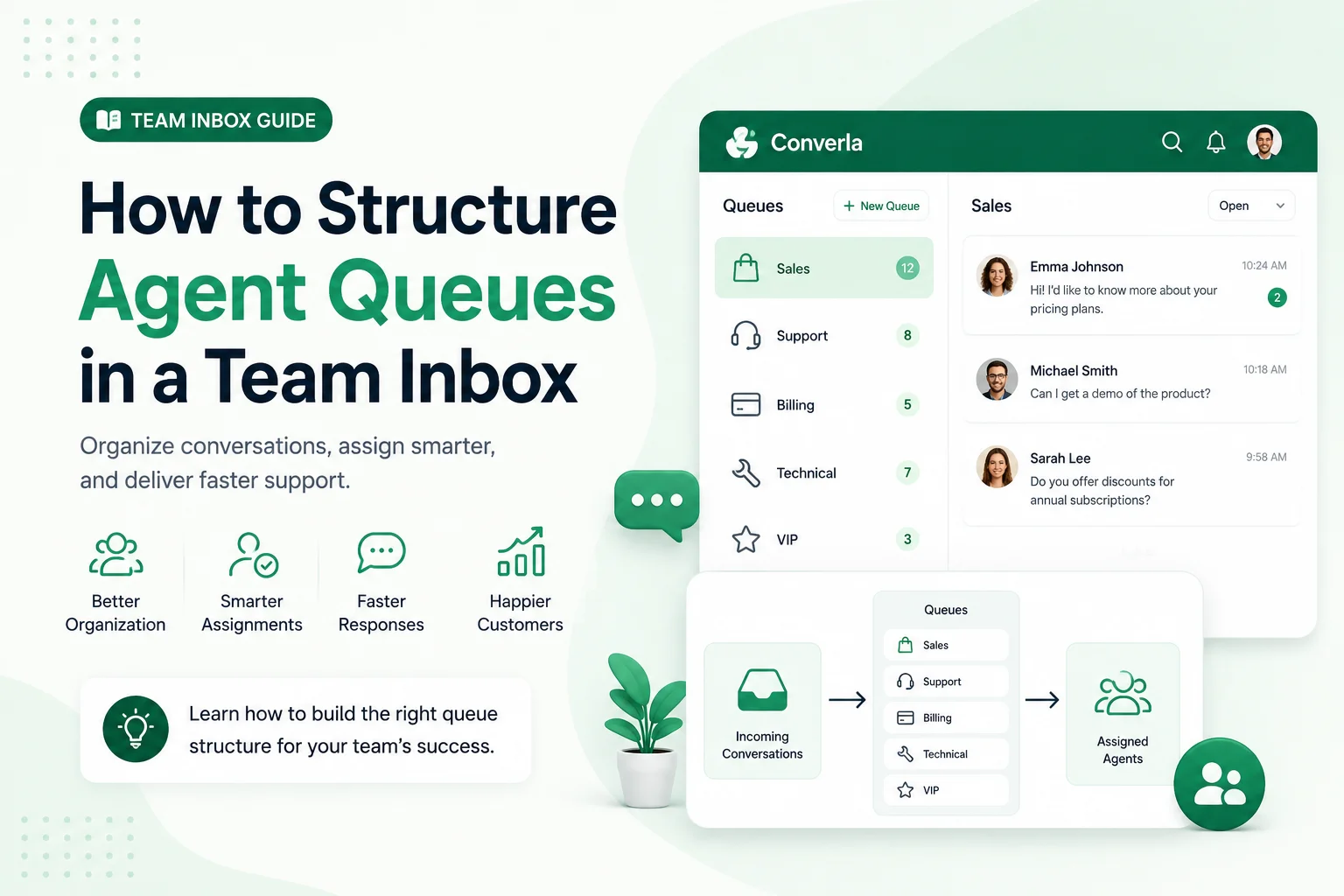
Structure queues by skill, language, and escalation path so Arabic and English chats land with the right owner—not in one unsorted race. Supervisors staff lanes they can measure; agents stop cherry-picking easy threads. Build the lanes before you connect more channels.
Agent queues in a team inbox: the operational definition
Agent queues in a team inbox is an operating practice centered on skill and language lanes not one unsorted pile. In daily work it clarifies what the customer sees, who owns the thread, and which fields from skill tags, language tags, priority sit beside the chat.
Boundaries: what agent queues in a team inbox is not
It is not a substitute for published policy. It is not a place to invent shipping dates, refunds, or payment approvals offline. It is not a vanity dashboard metric.
Operators who chase skill and language lanes not one unsorted pile as theatre—sounding available while nobody follows up—create more reopen loops than a clear closed desk. Refuse cherry-picking easy threads.
How to implement agent queues in a team inbox step by step
Route by situation: solo owners keep a thin rule; shared numbers need published ownership. Implement agent queues in a team inbox with validation, ownership, and a requirements check in general wording—review current WhatsApp Business messaging requirements before outbound messages that leave an open care conversation.
- Write the customer-facing rule in one short paragraph: what happens after the message, when a person continues, and which field to collect.
- Publish matching hours and timezone on the profile and in chat.
- If you serve Arabic and English on one number, write separate bodies with identical commercial facts.
- Name who updates holiday exceptions and who owns urgent escalations.
- Test from a personal number or staging role account before campaign weekends.
- Lock approved text so nobody improvises promises under pressure.
- Review reopen reasons weekly and retire lines that recreate skill and language lanes not one unsorted pile.
Rules that keep agent queues in a team inbox trustworthy
Every automatic or human reply must confirm receipt when needed, state when a person continues, ask for one useful field, and avoid unverifiable overnight outcomes.
Prefer “We received your message. Support continues Sunday 10:00 Asia/Riyadh. Reply with your order ID.” over soft promises you cannot keep.
Tip: Trust comes from promises you can keep—not from sounding always available.
Ready examples for agent queues in a team inbox
Use these as starting drafts for customer-facing messages. Replace bracketed fields. Each follows context → expectation → one next action. Keep the article topic out of the quoted copy.
- Standard: “Thanks for messaging [Store]. We received your note. A teammate continues [Day] [Time] [Timezone]. Reply with your order ID.”
- Busy period: “We received your message during a busy window. Leave your order ID and issue type—we will continue in order.”
- Bilingual opener: “مرحباً / Hello — we received your message. Support continues [Time] [Timezone]. Share your order ID in Arabic or English.”
- Escalation path: “For payment failures or delivery safety, reply URGENT + order ID. Other requests continue at [Time] [Timezone].”
Mistakes that recreate skill and language lanes not one unsorted pile
Common failure: marketing softens overnight copy until it contradicts warehouse reality. Another: two apps hold different hours so screenshots fight mid-thread.
Fix the published rule for agent queues in a team inbox before expanding seats. Soft-launch a supervised cohort when the change touches routing or templates.
When phone-only operations stop scaling
A single owner with one WhatsApp number and clear hours can run skill-based routing—from the phone for a long time. That is enough when one person owns one channel within published hours.
Breaking points: more than one person replies on the same number and overwrites context; chats spill into Instagram, Messenger, or web chat without a shared timeline; morning staff cannot see what overnight automation collected beside the thread.
At those points, a platform such as Converla helps: official WhatsApp Business connectivity, a shared team inbox with notes beside each conversation, and visual flows that greet, branch by intent, and hand off to a human without dead ends. Optional AI and knowledge base features depend on plan—compare only what your team can operate on the features page. Continue with the Converla WhatsApp launch checklist. More guides live on the Converla blog.
Keep skill-based routing measurable first. Refuse cherry-picking easy threads even when a demo looks faster.
Reader checklist before you publish changes
If any line is blank, pause. Keep skill-based routing measurable and keep cherry-picking easy threads out of production copy.
- Published hours and timezone match what chat promises.
- Named owner for exceptions and holiday updates.
- Bilingual commercial facts identical when both languages share a number.
- Staging or personal-number test completed after the last change.
- Approved customer-facing text locked against improvised promises.
- Rollback owner named for the first live hour.